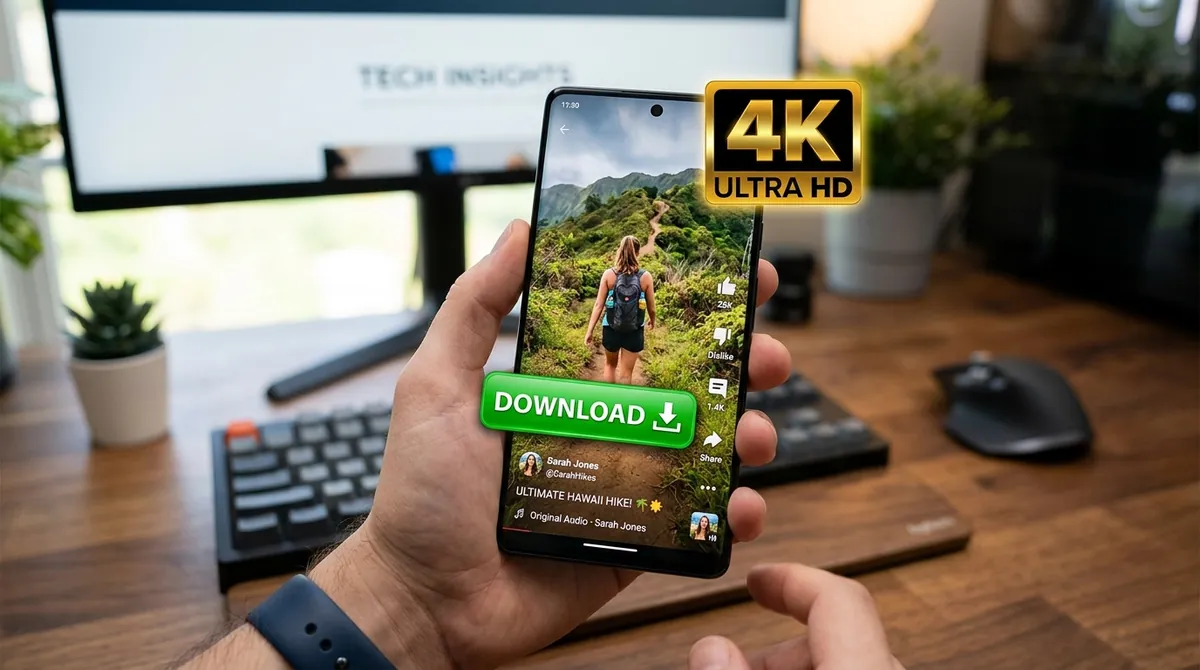
YouTube Shorts are vertical videos of up to three minutes, filmed and watched on phones. They are easy to watch and hard to keep: the YouTube app's own download button keeps the copy locked inside the app and, in most countries, needs YouTube Premium. This guide shows how to save a Short as a normal video file on Android, iPhone or a computer, in the quality it was uploaded in.
What Quality Are YouTube Shorts?
Most Shorts are filmed on phones and uploaded at 1080×1920 pixels, which YouTube calls 1080p or Full HD. Some are 720p, and a few are uploaded at higher resolutions. Like YouTube, Y2Mate Official names the quality after the shorter side of the picture, so a Full HD Short appears as 1080p in the list, even though the picture is 1920 pixels tall.
Y2Mate Official offers every quality a Short was uploaded in, up to 4K (2160p), just as for normal videos: a 4K Short (2160×3840 pixels) is listed as 2160p. The picture is copied as YouTube stores it, so you do not lose quality to extra compression. Qualities above 1080p usually come as WebM files, which matters on iPhone (see below).
Shorts Links Work Like Normal Video Links
A Short has an address like youtube.com/shorts/abc123XYZ_0, while a normal video looks like youtube.com/watch?v=abc123XYZ_0. The 11 characters at the end are the same video ID, and Y2Mate Official accepts both forms. You can also paste a youtu.be short link, or a link copied from the YouTube app's Share menu.
What does not work is the link of a whole channel, the Shorts tab of a channel, or a playlist: open the Short you want first, then copy its own link.
How to Download YouTube Shorts on Android
- In the YouTube app, open the Short and tap Share, then Copy link.
- Open Chrome (or any browser) and go to Y2Mate Official.
- Paste the link into the search box. The video page opens with the available qualities.
- Tap Download next to 1080p, or 2160p for a 4K Short. When the window says the file is ready, tap the green Download button.
- The Short is saved in your Downloads folder. Open it from the Files app, or find it in Google Photos or your gallery under Downloads.
How to Download YouTube Shorts on iPhone and iPad
- In the YouTube app, tap Share › Copy link on the Short.
- Open Safari, go to Y2Mate Official and paste the link.
- Tap Download next to a quality marked .mp4, then the green Download button in the window, and confirm when Safari asks.
- Open the Files app, go to Downloads, tap the video, then tap Share › Save Video to add it to your Photos.
Choose MP4 on iPhone: the Photos app does not accept WebM files. Our step-by-step guide for iPhone and iPad covers Safari's download settings and common problems.
How to Save Shorts on a PC or Mac
- Open the Short on youtube.com and copy the address from the address bar.
- Open Y2Mate Official in Chrome, Edge, Firefox or Safari and paste the link.
- Pick the quality and file type you want, then click Download and the green Download button.
- The file goes to your browser's download folder. No extension or desktop program is needed.
Vertical videos play normally on a computer. If you are editing, keep the original 9:16 shape: most editors can place it in a vertical project for Shorts, Reels or TikTok, or add bars for a 16:9 timeline.
Saving Only the Sound of a Short
If you want the song, the voice-over or the sound effect from a Short, there is no need to download the video. Paste the link, switch to the Audio tab and choose:
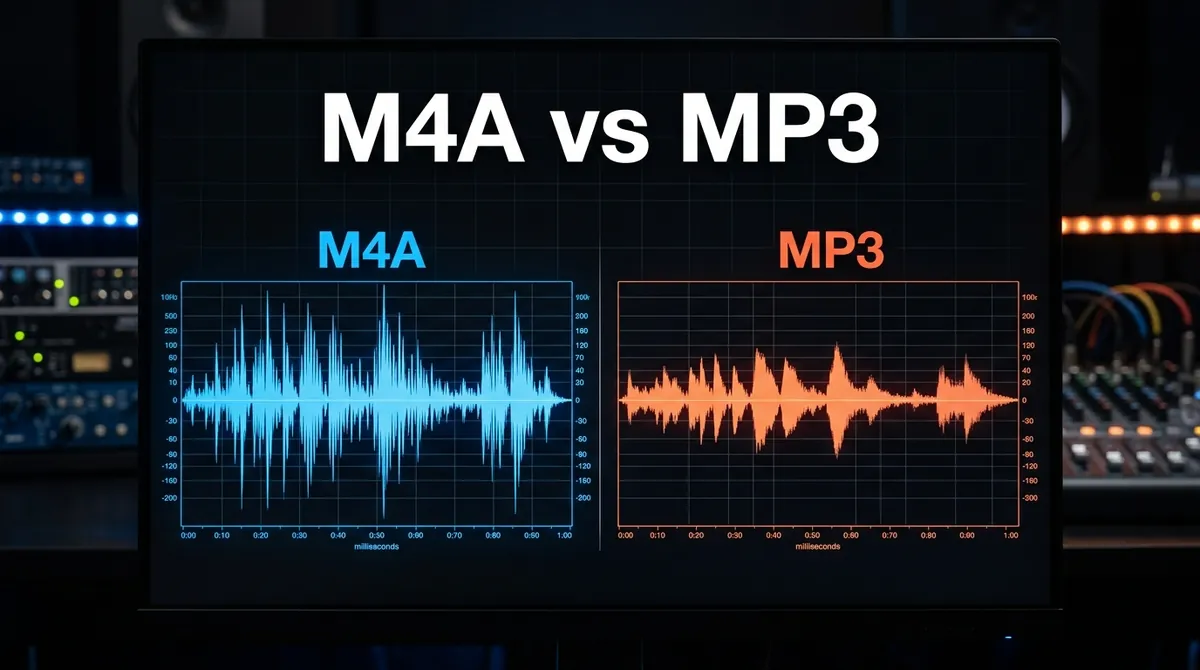
- M4A: the original sound track, copied without conversion. It is the best quality and plays on all modern phones and computers.
- MP3: converted from that track, for older car stereos and devices that only play MP3.
Our article on M4A vs MP3 explains the difference in detail. A 60-second Short is about 1 MB as audio.
Watermarks, Stickers and Credits
Y2Mate Official does not add any logo or watermark: you get the video exactly as YouTube streams it. Text, stickers or captions that the creator put into the video are part of the picture, and they stay.
Shorts belong to the people who made them. Saving a Short to watch offline is one thing; uploading it again as your own is not, and it can get your account penalised. If you want to build on someone's Short, YouTube's own Remix feature links back to the original creator.
When a Short Will Not Download
- "Video unavailable": the Short is private, deleted, blocked in your country, or age-restricted.
- A live Short: a live stream cannot be downloaded while it is live. Try again after it ends and YouTube saves the recording.
- Wrong link: make sure you copied the Short itself, not the channel or the Shorts feed.
- Download stops on a phone: keep the browser open and the screen on until the file is saved.
How Big Is a Downloaded Short?
Because Shorts are short, the files are small. A 1080p Short takes roughly 15–30 MB per minute, so a typical 30-second clip is about 8–15 MB, and even a three-minute Short stays under about 90 MB. The 720p version is roughly half that size, and the audio alone is about 1 MB per minute. A 4K Short is much larger: often 100–150 MB per minute. The exact size is shown next to each quality before you download, so you can choose on a limited data plan.
Saving Several Shorts
Y2Mate Official saves one Short at a time: paste a link, save the file, then come back and paste the next one. If you want to keep a whole series, collect the links first (for example in a notes app) and work through the list. Opening a few downloads in separate tabs also works, but to keep the service fast for everyone, very many downloads in a short time may have to wait a few minutes.
Watching Downloaded Shorts Offline
A Short saved this way is an ordinary video file on your device. It plays without an internet connection in your gallery, the Photos app or any video player, and it does not expire. That is the main difference from the YouTube app's own downloads, which stay inside the app and disappear if you stay offline too long or your subscription ends.
Frequently Asked Questions
Can I download YouTube Shorts in 1080p HD quality?
Yes. Shorts uploaded in Full HD can be saved in 1080p, the same quality you see in the YouTube app.
Can I download YouTube Shorts in 4K?
Yes, when the creator uploaded the Short in 4K. It then appears as 2160p in the quality list, usually as a WebM file that plays on Android, in Chrome and in VLC. For the iPhone Photos app, choose the highest quality marked .mp4 instead.
Does this downloader add watermarks to Shorts videos?
No. Downloaded Shorts are clean video files without any added logo or watermark.
Can I extract audio only from a YouTube Short?
Yes. Switch to the Audio tab and choose M4A for the original sound, or MP3 for older devices.
Is a Short saved as a vertical video?
Yes. The file keeps the original 9:16 vertical shape, so it fills your phone screen just like in the YouTube app.
Do I need the YouTube app or an account?
No. You only need the link. Y2Mate Official works in any browser and does not ask you to sign in.