YouTube Shorts Downloader
Save any YouTube Short as a vertical MP4 in its original quality, or keep just its sound as MP3.
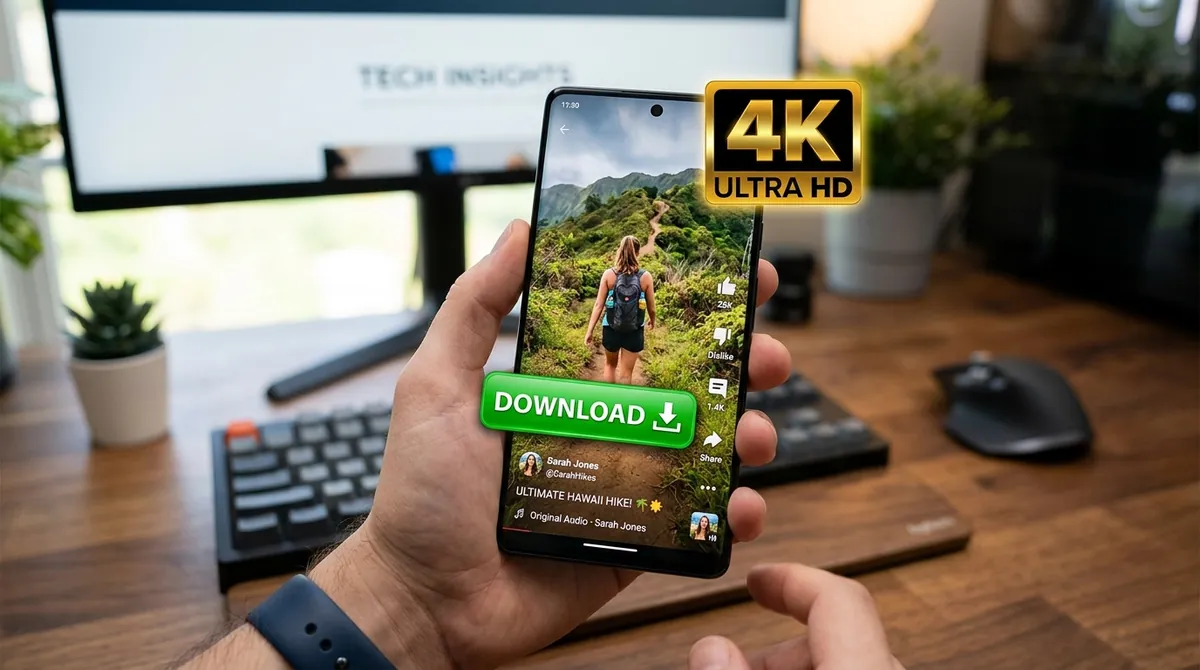
In the YouTube app, tap Share on the Short and then Copy link, paste the link above and press the download button. You get the Short exactly as it was uploaded: vertical, in its full resolution (usually 1080p), with sound and without any watermark. Shorts are small, about 20 MB for a minute in 1080p, so they download quickly even on mobile data.
Stays vertical
The Short keeps its 9:16 frame: no black bars, no cropping, no stretching.
Original quality
Every quality the Short was uploaded in is offered, usually up to 1080p; 4K Shorts are offered in 4K.
No watermark
You save the Short's own video as YouTube streams it, so nothing is added on top: no watermark, no logo.
Keep the sound
Like a song or sound from a Short? Open the Audio tab and save it as MP3 or M4A.
Straight from the Shorts player
Tap the Share arrow on the Short, choose Copy link and paste it here. youtube.com/shorts/ and youtu.be links both work.
Small and quick
A one-minute Short in 1080p is about 20 MB and a three-minute one about 65 MB.
Frequently Asked Questions
Copy the Short's link, paste it at the top of this page and press the download button. Choose a quality on the Video tab, press Download, and when the file is ready save it with the green Download button.
In the YouTube app, tap the Share arrow on the right of the Short, then Copy link. On a computer, copy the address from the browser bar; it starts with youtube.com/shorts/.
No. You get the Short's own video file as YouTube streams it, so no watermark or logo is added.
The best quality it was uploaded in, usually 1080p (1080 × 1920). Vertical videos are named by their shorter side, so a 1080 × 1920 Short is listed as 1080p and a 2160 × 3840 one as 4K.
On Android the Short is saved in Downloads, which most gallery apps show. On iPhone it is saved in the Files app: open it, tap Share and choose Save Video to add it to Photos.
Yes. Open the Audio tab and choose MP3 or M4A. Press Play Audio first to check it is the sound you want.
Yes. Shorts can be up to three minutes long, and they download the same way as any other Short.
Private and age-restricted Shorts can't be downloaded. Check that the link opens the Short on YouTube, and after several downloads in a row, wait a few minutes before the next one.