YouTube Video Downloader
Paste a YouTube link, or search by name, and save the video to your phone or computer for free.
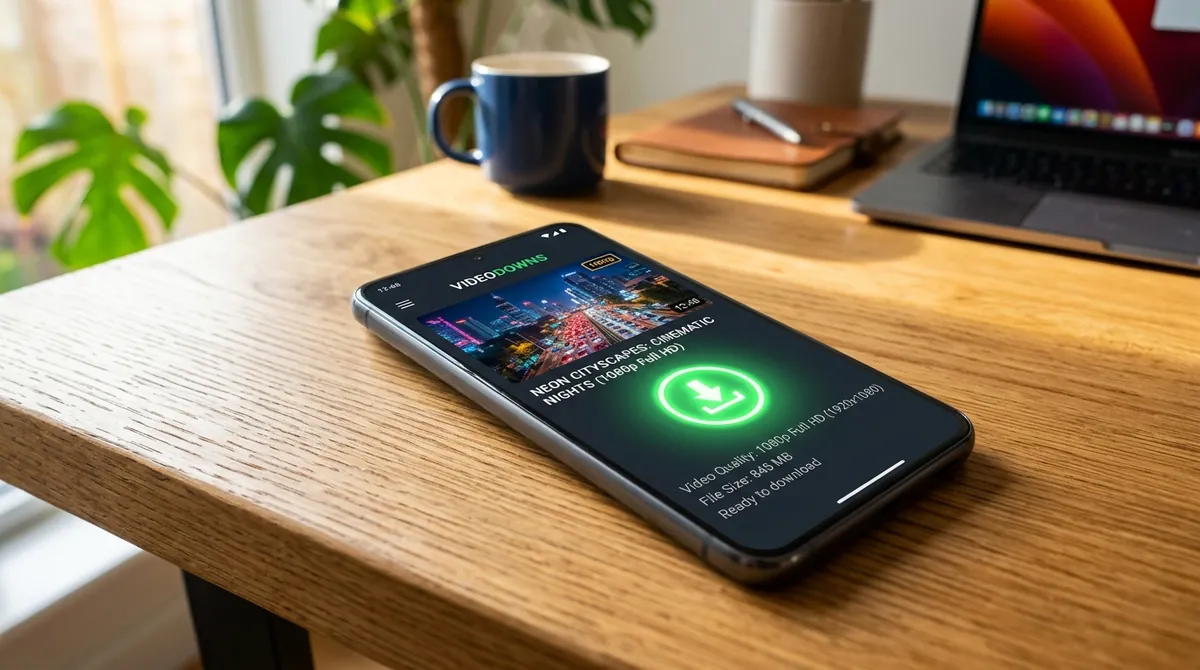
Copy a video's link from YouTube and paste it in the box above, or type the video's name and pick it from the results. Then choose a video quality up to 4K, or audio only as MP3 or M4A. Each option shows its file size, and the file is saved straight to your device. Regular videos, Shorts, music videos and recorded live streams all work, in any browser, with no app and no account.
Paste a link or search
No link? Type the video's title, or the channel's name and a few words, and choose the right video from the results.
Any kind of YouTube link
youtube.com and youtu.be links, mobile links, Shorts, YouTube Music and live-stream links all work. A link to a video inside a playlist downloads that video.
Video or audio
Save the video as MP4 with sound, in any quality it was published in up to 4K, or just its audio as MP3 or M4A, from the same page.
A file you keep
You get a normal video file, not a copy locked inside an app: watch it offline, copy it to a USB drive or another device, and play it in any player.
Straight from the Share button
In the YouTube app, tap Share, then Copy link, and paste it here. You can even paste a whole shared message: the link is found in it.
In the browser you already have
Use it on an Android phone, an iPhone or iPad, or a Windows or Mac computer, straight from your usual browser. Nothing to install and nothing to sign up for.
Frequently Asked Questions
Copy the video's link (in the YouTube app, tap Share and then Copy link), paste it above and press the download button. Pick a quality on the Video tab and press Download; when the file is ready, the green Download button saves it to your device.
Type the video's title, or the channel's name and a few words from the title, where you would paste a link, then press the download button. Choose the right video from the results to see its download options.
Links from youtube.com and youtu.be, the mobile site (m.youtube.com), Shorts, YouTube Music, live streams and embedded videos. Links to a whole playlist or channel do not work: open one of its videos and paste that link.
No, videos are downloaded one at a time. Open a video from the playlist and copy its link: a link to a video inside a playlist downloads just that video.
Yes, once the stream has ended and its recording is on YouTube: paste the stream's link as usual. A stream that is still live, or a premiere that has not started yet, cannot be downloaded.
Videos saved with YouTube's Download button can only be watched inside the YouTube app. Here you get a normal MP4 file that you can keep, copy to other devices and play in any video player.
Yes. Open the Audio tab on the download page and choose MP3 320 kbps, MP3 128 kbps or M4A. Press Play Audio first if you want to check it is the right track.
It is free, and there is no account, app or extension. To keep it fast for everyone, several downloads in quick succession can mean a wait of a few minutes before the next one.
Wherever your browser saves downloads. On Android that's the Download folder, which most gallery apps show. On iPhone and iPad it's the Files app. On a computer it's the Downloads folder. On iPhone, to put the video in Photos, open it in Files, tap Share and choose Save Video.
Yes. Every MP4 includes the audio, at every quality.
No. Long videos, films and recorded live streams work too. They just take longer to prepare, and the file is bigger.
4K and 1440p videos on YouTube use the AV1 format, which some older phones, TVs and media players can't play. Download the 1080p version instead, which plays on almost any device.
Yes, in Safari, without an app. Paste the link, choose a quality and download. The video is saved in the Files app, and from there you can save it to Photos.