YouTube to MP3 Converter
Save the sound of any YouTube video as MP3 (320 or 128 kbps) or the original M4A, free in your browser.
Paste a YouTube link or type a song name, open the Audio tab and choose MP3 320 kbps, MP3 128 kbps or M4A. Each option shows its file size before you download, and you can press Play Audio to check it is the right track. It works on Android phones, iPhones and computers, with no app and no account.
Three audio formats
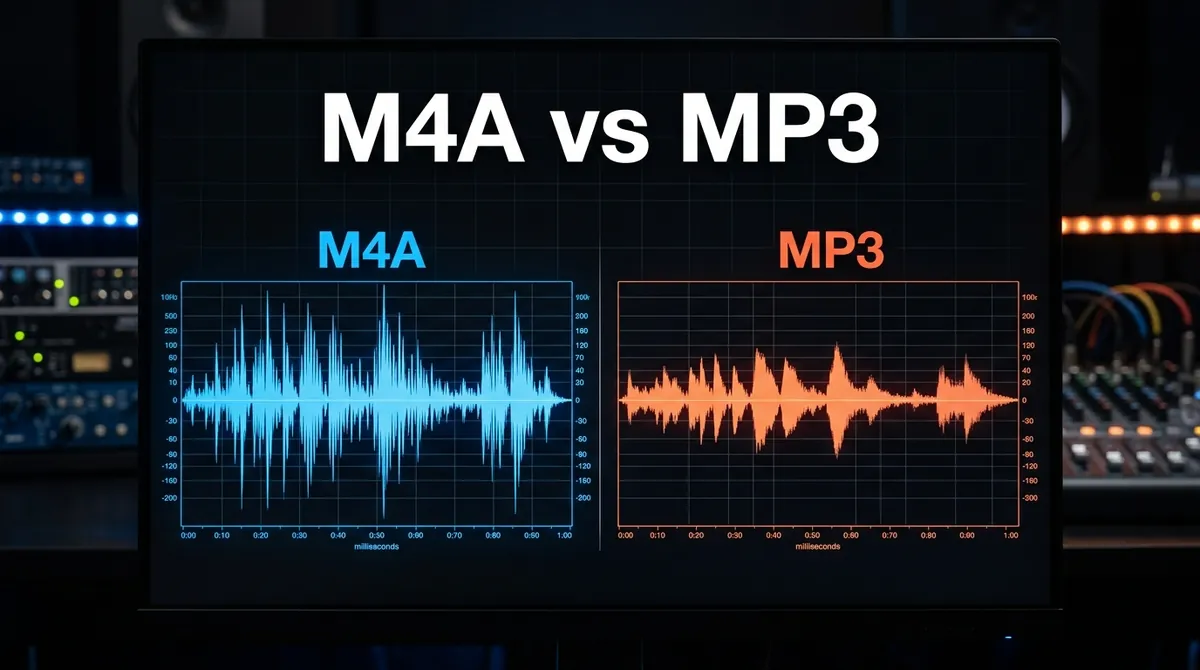
MP3 at 320 kbps for the most detail, MP3 at 128 kbps for small files, or M4A: YouTube's own audio track, saved unchanged.
File size shown first
Every option lists its size before you download. A 4-minute song is about 9.2 MB as MP3 320 and 3.7 MB as MP3 128.
Listen before you download
Press Play Audio to hear the track in your browser, so you only save the song you want.
No length limit
Convert 3-minute songs, hour-long podcasts and full DJ mixes. Longer videos just take a little longer to prepare.
Paste a link or search
Paste a link from YouTube or YouTube Music, or type a song or artist name and pick the video from the results.
Phone, tablet or computer
Works in Chrome, Safari, Firefox and Edge on Android, iPhone, iPad, Windows and Mac. No app, no extension, no account.
Frequently Asked Questions
Choose M4A if your player supports it: it is YouTube's own audio track, saved without any conversion. Choose MP3 320 kbps when you need MP3 for an older player or a car stereo and want the most detail, or MP3 128 kbps when you want the smallest files, for example for podcasts and audiobooks.
No. The MP3 is converted from YouTube's own audio, so it cannot sound better than the source. 320 kbps keeps the most of that detail, at the cost of a bigger file.
About 2.3 MB per minute at 320 kbps and 0.9 MB per minute at 128 kbps. A 4-minute song is about 9.2 MB or 3.7 MB, and a 1-hour podcast about 137 MB or 55 MB. Each format shows its exact size before you download.
Open this page in Safari, paste the link and download the MP3 as usual. Safari saves it in the Files app, in the Downloads folder, where you can play it or share it to another app.
Use Chrome or any other browser: paste the link, choose MP3 and press Download. The file is saved in the Downloads folder, and the music apps on your phone can play it from there.
There is no length limit and no daily limit. If you download several files in a row, you may be asked to wait a few minutes before the next one.
Private, members-only and age-restricted videos cannot be converted, and live streams only after they have ended. Check that the link opens the video on YouTube and that the video is public.
Yes. It is free and runs in your browser, so nothing is installed on your device and no account is needed. Please download only audio you own or have permission to save.
Not in one go. Convert one song at a time: open the song in the playlist, copy its link and paste it here. A link copied from inside a playlist gives you that one song.
Yes. Copy the Short's link (Share, then Copy link), paste it here and choose MP3 or M4A. You get the Short's sound, the same as from any other video.
Yes. Type the song name and the artist into the box and press the download button, then pick the right video from the results. Official audio uploads usually have the best sound.